Skip to content

RDR2 Cheat Software

This is the conversion page for downloadable RDR2 cheat software on Windows PC. Plans, payment, and delivery are handled at checkout — the sections below describe what the current build advertises so you can match expectations before you buy.

RDR2 cheat software ESP and aimbot interface
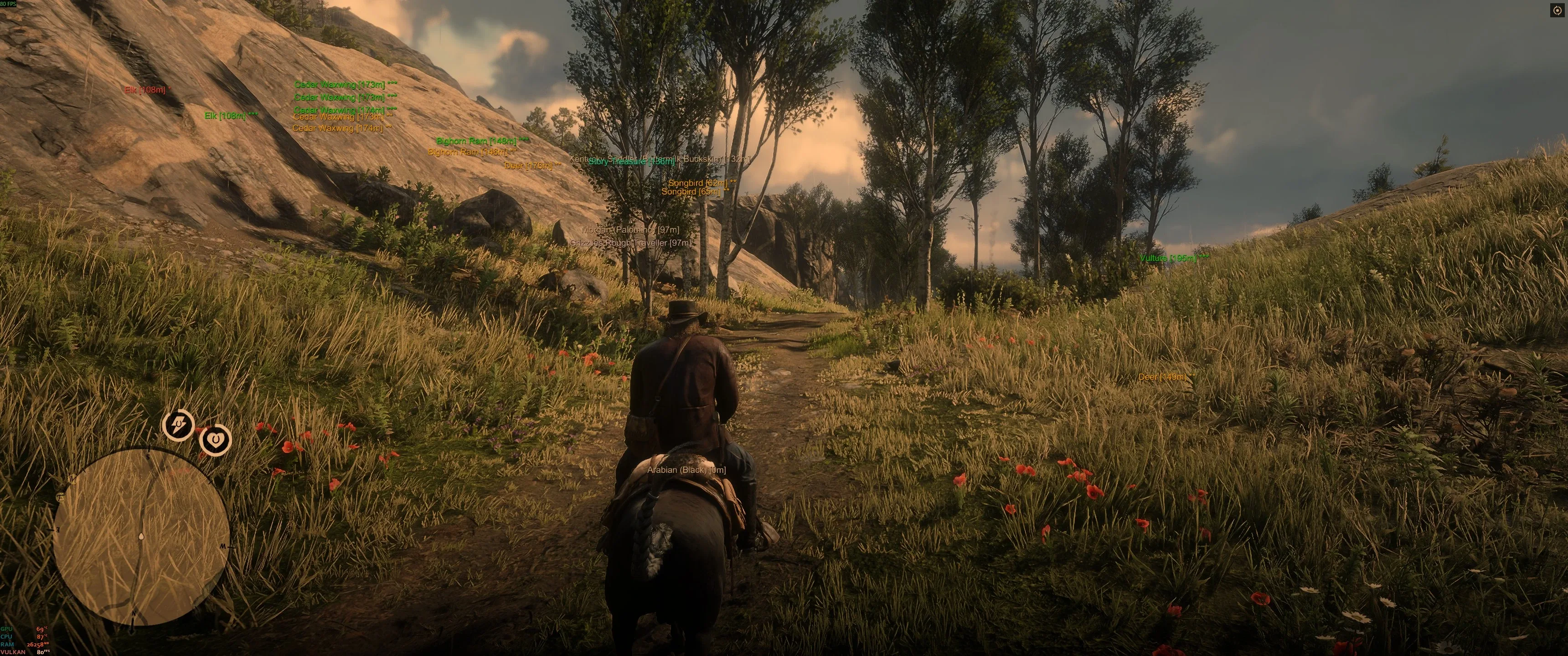
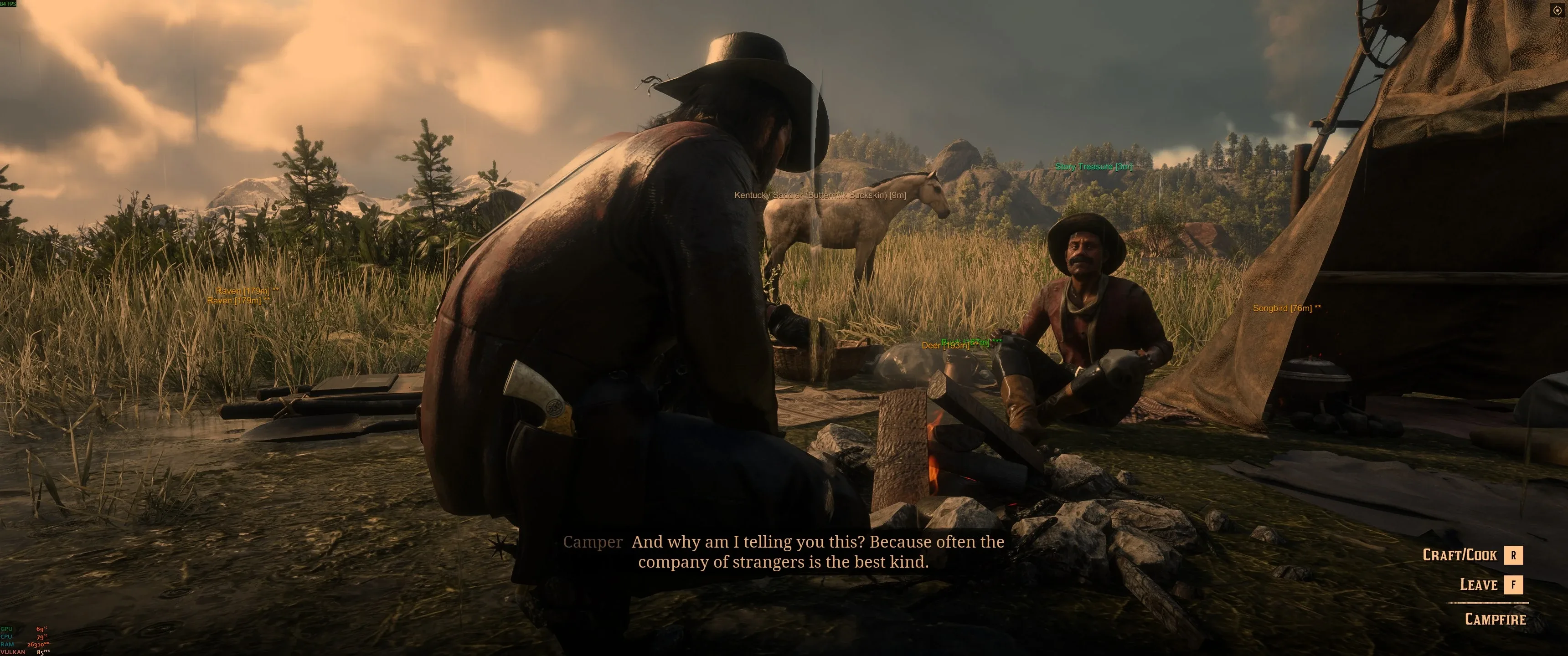
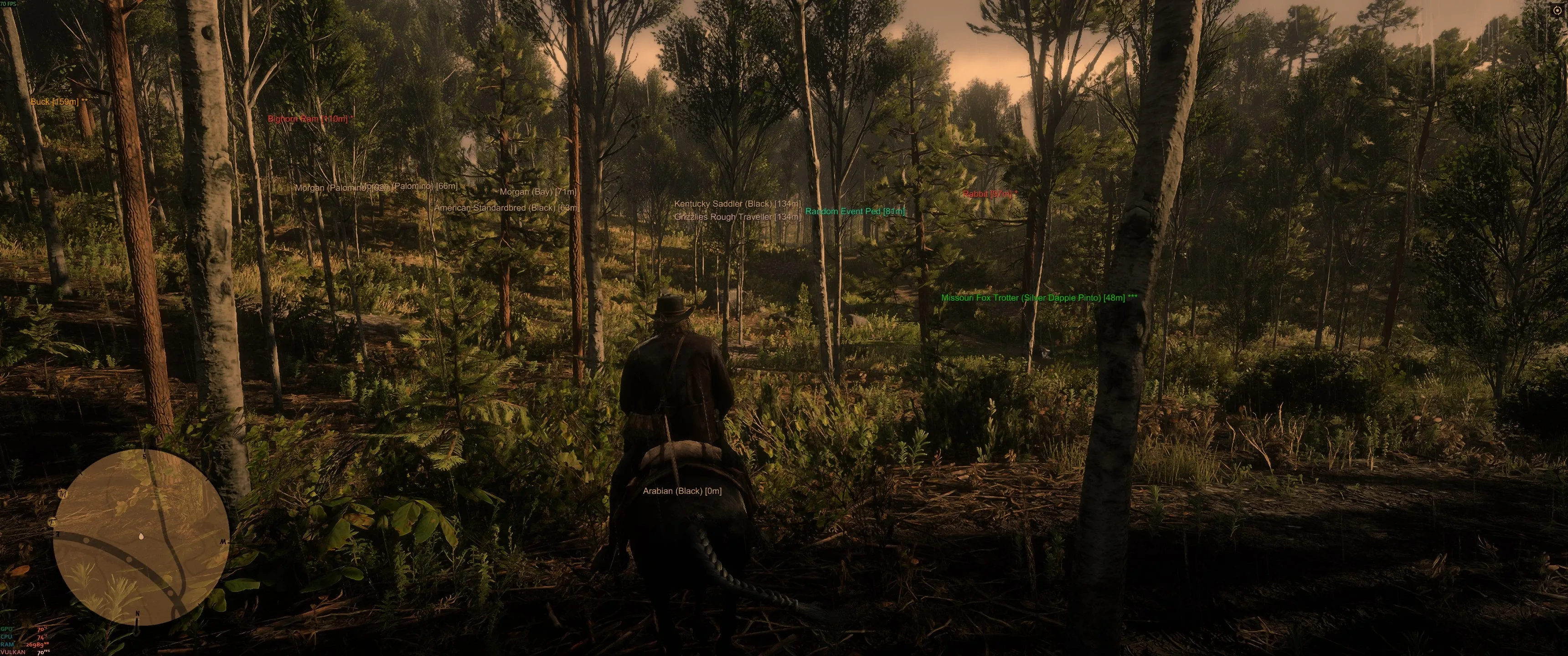
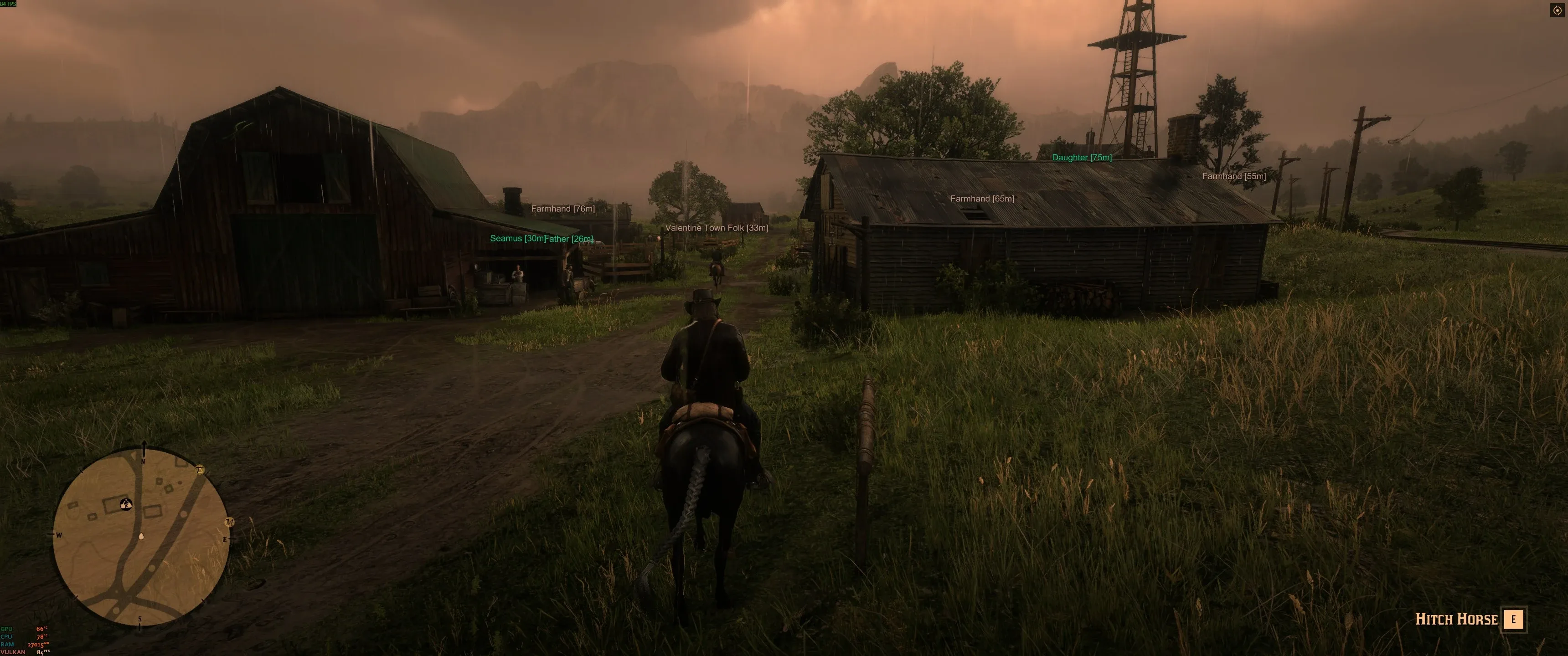
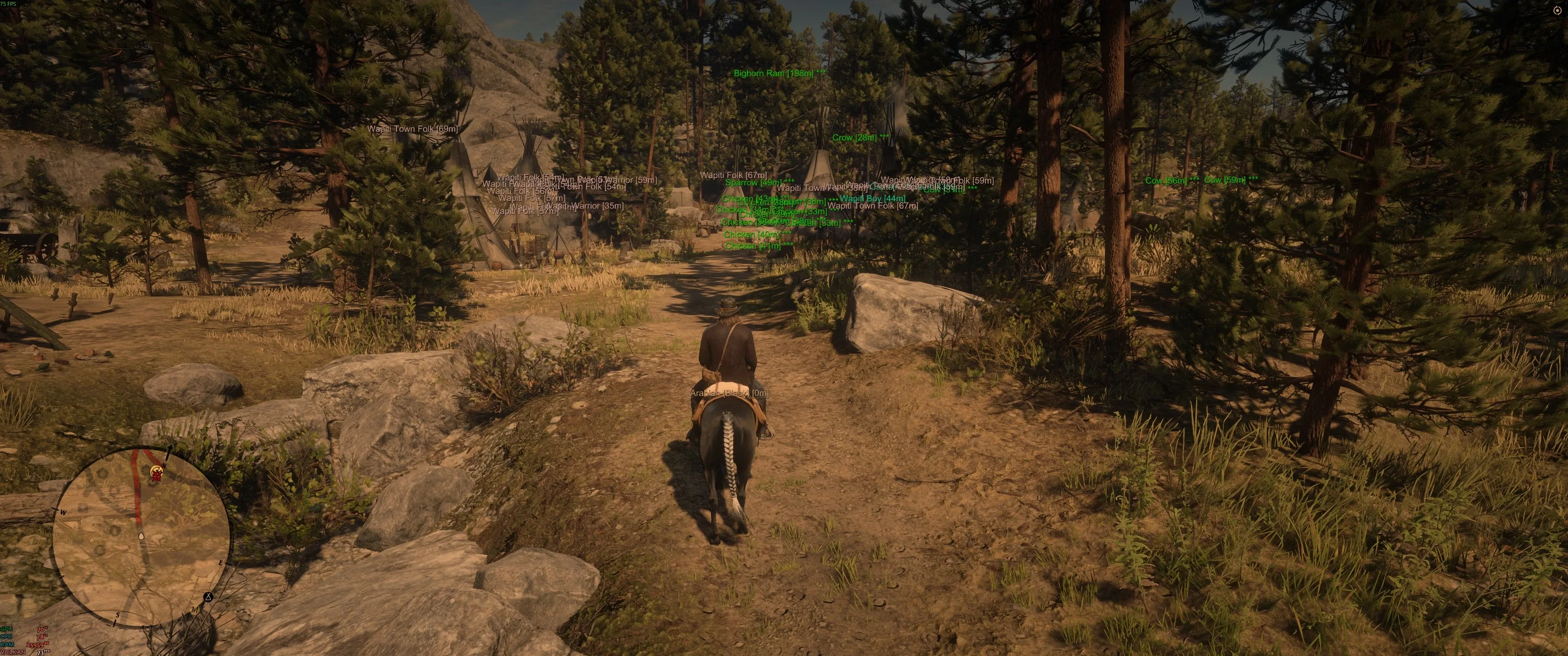
Gameplay preview of ESP nameplates and distance readouts on Windows PC.
  • Player ESP and world overlays
  • Aimbot-style targeting options
  • No recoil module
  • Teleportation helpers
  • Configurable in-game menu
  • Windows PC delivery

RDR2 Cheat Software Features

Advertised modules include player ESP, aimbot-style targeting, no recoil, teleportation helpers, and a configurable in-game menu. Exact toggles can change between builds.

Use the ESP and aimbot feature pages if you want a deeper breakdown of those modules.
RDR2 Cheats Price and Plans

Monthly and longer-term plans are shown at checkout. Compare plan length against how often you play and whether you want to test a shorter window first.

Lifetime vs Monthly RDR2 Access

Lifetime keys cost more upfront but avoid renewals. Monthly access is lower risk if you only need a short testing window or expect frequent game updates.

PC Compatibility and Requirements

Target platform is Windows PC with a supported Red Dead Redemption 2 client. Close conflicting overlays and allow the loader through security software when instructed at checkout.

How to Get Started

After purchase you receive delivery instructions by email. Follow the setup guide for menus versus trainers if you are unsure which workflow fits you.

Gameplay previews

Self-hosted RDR2 PC screenshots showing ESP overlays — not a separate product brand.

  • RDR2 ESP overlay tracking Wapiti NPCs and wildlife on PC
  • RDR2 hunting ESP showing animals, horses, and treasure distance tags
  • RDR2 trainer overlay at camp with NPC and mount ESP labels
  • RDR2 forest ESP for horses, deer, and random world events
  • RDR2 NPC ESP on a rainy farm road with role and distance tags

FAQ

Questions

What platform is supported?

The product is listed for Windows PC. Console clients are out of scope.

Where do I see current pricing?

Open checkout from the button on this page. Plan names and prices are shown there before you pay.

Is this for Red Dead Online?

We do not market or document online-mode usage. Third-party tools can violate online terms and risk account penalties.